

Guide · How-to
Dispatch board setup for a 20-car fleet
How a 20-car black-car operator sets up the liverybook run board: classes, drivers, cancel window, columns, overflow affiliates and the morning routine.
Updated
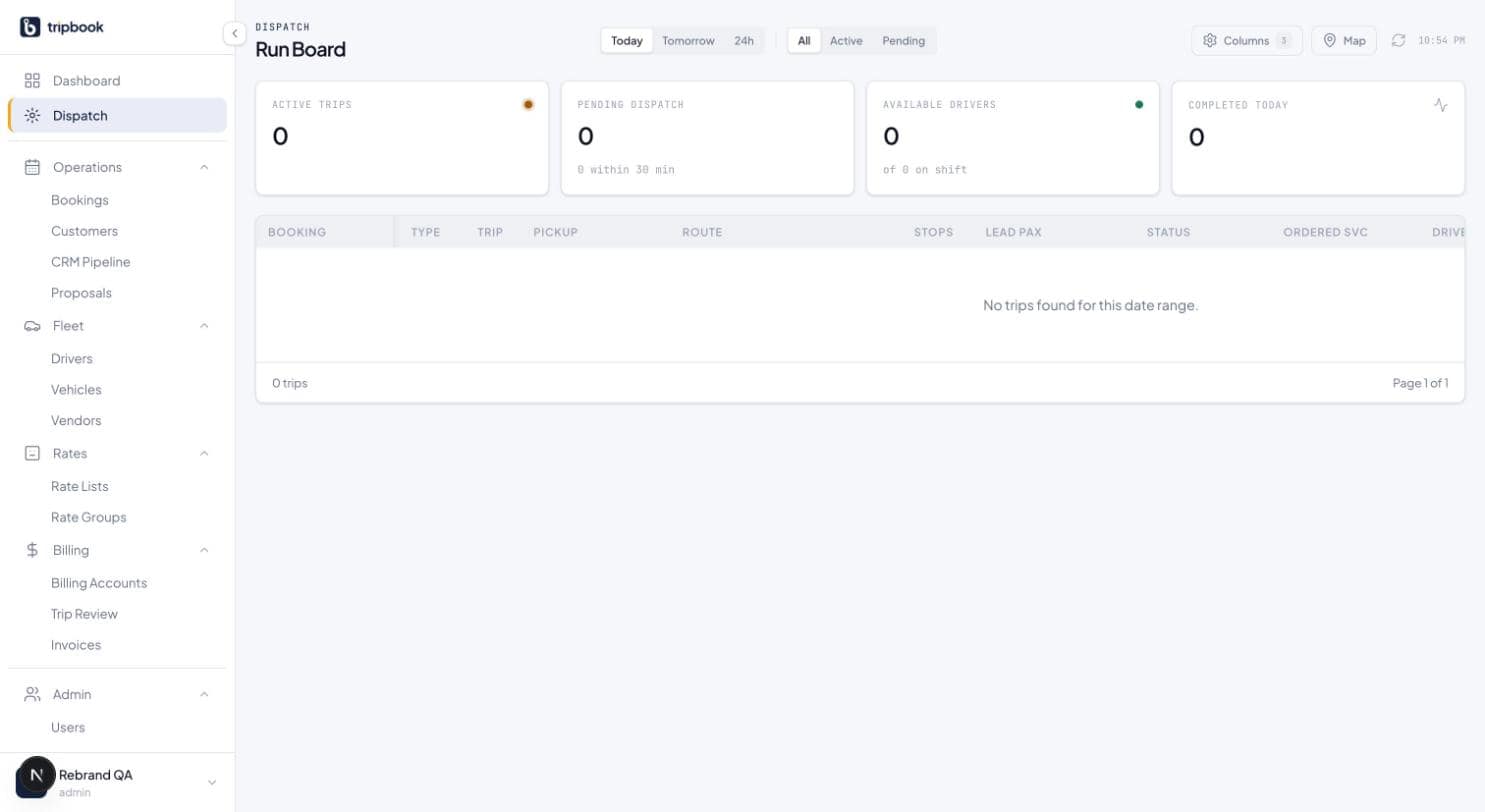
A 20-car fleet needs about seven of the run board's 16 columns on screen, two affiliates approved for overflow, and a 30-minute rule for pending dispatch. The rest of the setup is data entry that takes a morning. This guide is for a black-car operation of roughly 20 vehicles and 25 to 35 drivers, dispatched by one or two people per shift.
One honest note before starting. liverybook does not have a driver mobile app yet, so the status of your own drivers (en route, arrived, passenger on board) is set by the dispatcher from the board, by radio or phone as it has always been done. Affiliate drivers on farmed-out trips are different: they get a tokenised link per trip and update their own status from it. The driver app is on the roadmap.
Define vehicle classes and service types
Start in settings with the lookup tables. A vehicle class is what the customer buys. For a 20-car black-car fleet that is usually four or five: sedan, premium sedan, SUV, sprinter, and maybe a stretch or a minibus if you run them. Every rate and every portal choice hangs off these, so do not create a class for one odd vehicle.
Service types define how a trip is priced and dispatched: point-to-point, hourly charter, as-directed, and airport arrival and departure if you want them separate for reporting. Account types (corporate, travel agency, individual, affiliate) go in the same place. These tables are editable later, but the dispatcher sees them in every select on the board, so short lists are kinder.
Load drivers and vehicles
Enter each driver with licence details and contact information, and each vehicle with its plate, class and capacity. For 20 cars and 30 drivers this is an hour of typing or a CSV from your old system. Tag which vehicles a driver is cleared for if you have drivers who do not take the sprinter.
The board's available-drivers stat card counts from this list, so a driver who left in March and is still on it will inflate the number every morning. Mark departures inactive rather than deleting them; their history on completed trips stays intact.
Set the late-cancel window
The tenant default late-cancel window is 24 hours. For a black-car fleet that is the right default for sedans and SUVs. If you run sprinters or coaches for group work, set a longer window on those rates (48 or 72 hours) rather than changing the tenant default, because the window on a rate overrides the tenant.
When a booking is moved to late_cancelled or no_show, liverybook creates the fee as an invoice line from the rate's rule automatically. The dispatcher does not need to remember to tell the bookkeeper. What the dispatcher does need to do is use the right status: a cancellation inside the window is late_cancelled, not cancelled, and the fee depends on it.
Choose the run board columns you need
The run board has 16 columns and a visibility toggle. A 20-car operator does not need them all on one screen, and a board with all 16 on a laptop is a horizontal scroll. Start with seven: pickup time, status, passenger, pickup, drop-off, driver, vehicle. Add the flight column if more than a third of your work is airport, because the flight verification badge there is what tells you a 6:10 arrival is now 7:25.
Leave the subcontractor, Sub Driver and Sub Vehicle columns hidden until you farm out, then turn them on; they only carry data on farmed trips. Account, service type, vehicle class and notes are useful on the detail view and rarely need a column. The column picker lives in the toolbar, so the day dispatcher and the night dispatcher can each set the board up for their shift.
Driver, vehicle, status and subcontractor are inline selects on the row. Assigning a car does not need a detail page. Two dispatchers cannot assign the same trip at once; the board uses optimistic locking and the second save is refused with a message rather than silently overwriting the first.
Set up affiliates for overflow
Twenty cars will not cover a convention week, so set up two or three affiliates before you need them. Each affiliate record carries a tier (standard, preferred, strategic), an approval status, and an insurance expiry date. liverybook computes compliance from the date and warns at 60, 30 and 7 days.
The compliance gate matters on the board. A trip cannot be assigned to an affiliate whose status is not approved and compliant, so a certificate that lapsed last Tuesday blocks the farm-out today, which is the point. Load the affiliate's contacts (who to call at 5 a.m.) and their driver roster with licence details. Once a trip is farmed, the affiliate driver's link lets them set en route through completed, and those updates appear live on your board.
Work the upcoming rail
The upcoming rail on the right of the board lists trips with no driver assigned, soonest first. For a 20-car fleet the rail is the dispatcher's to-do list. A clean board has an empty rail for the next four hours and a short one beyond that.
Assign from the rail by picking a driver and vehicle on the row; the trip moves from unassigned to assigned and drops off the rail. If a trip is still unassigned inside your comfort window (two hours for most black-car work, more for early airport departures), that is the one to farm out, and the compliance gate already tells you who can take it.
Trips arrive on the board in real time. A new booking from the portal, a cancellation, a flight delay or an affiliate driver's status change pushes to the board over a WebSocket, and the board also refreshes itself every 30 seconds. Nobody needs to press reload.
Establish the morning routine
The day dispatcher opens the board with the Today filter and reads the four stat cards: active trips, pending dispatch, available drivers, completed today. Pending dispatch is the number to clear. The rule that works for a 20-car operation is that every trip with a pickup in the next 30 minutes must have a status of driver_notified or later. If it does not, the dispatcher is on the phone.
Then switch to Tomorrow and scan the rail. Anything unassigned for tomorrow morning before 7 a.m. is assigned now, while drivers can still be reached. Check the flight badges on today's arrivals once more mid-morning; international arrivals shift.
The 11 leg statuses (unassigned through completed, plus cancelled, late_cancelled and no_show) move in a fixed order and only 25 transitions are allowed. A trip cannot jump from assigned to completed, which is a small guard against a dispatcher clearing the board at the end of a shift without the trips having happened. Every transition is written to an event log, so the question "when did we tell the driver" has an answer.
Use dark mode on the night shift
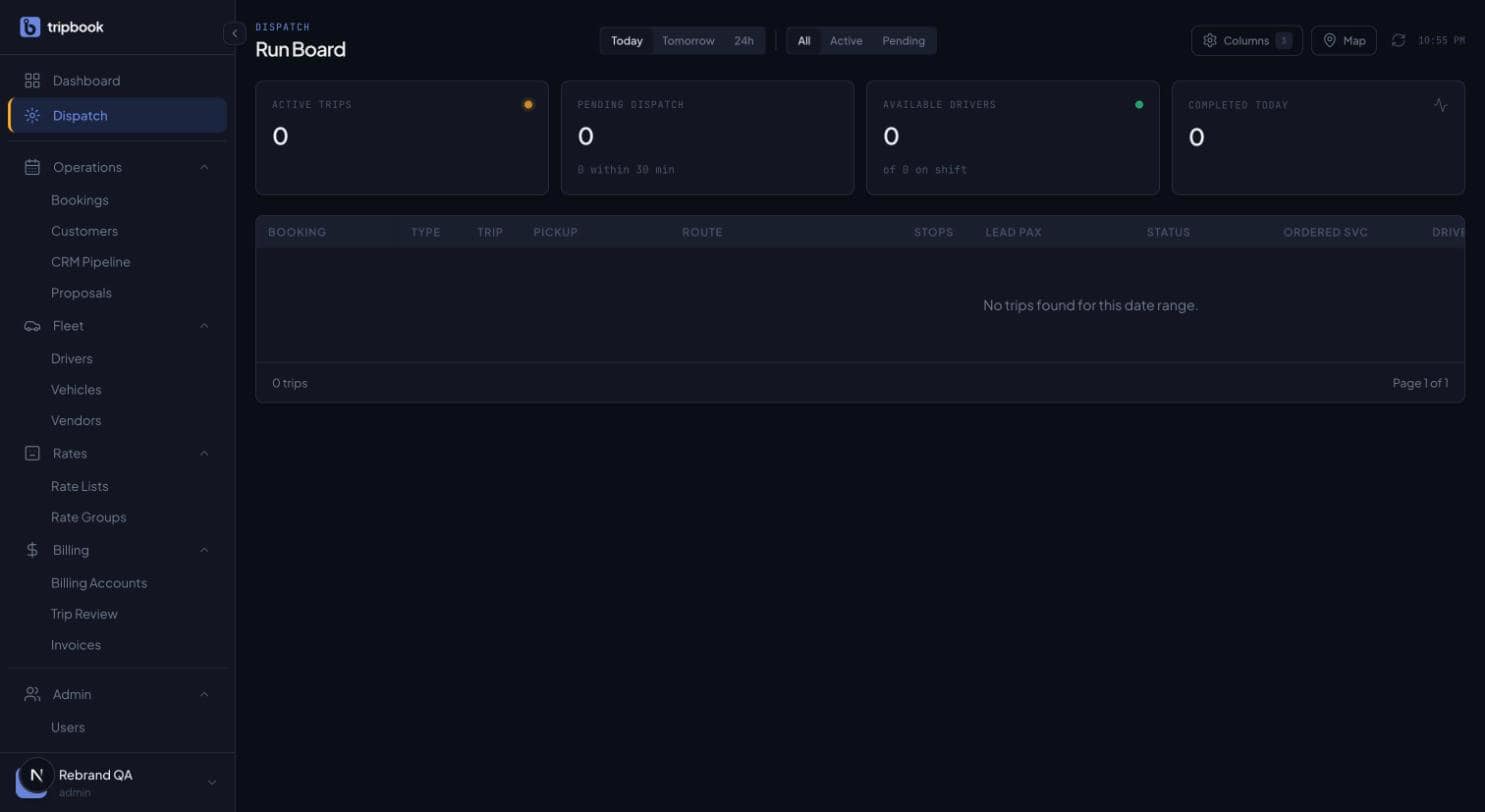
The operator app has light and dark themes. On a night shift in a dim dispatch office the dark theme is easier on the eyes for an eight-hour stretch, and status colours keep their meaning across both. The toggle is in the sidebar profile menu, a click away for whoever is on.
That is the setup. The dispatch module is described at /product/dispatch, and the black-car page at /for/black-car covers how the rest of liverybook, from the booking form to billing, is arranged for a fleet of this size.
Booked. Dispatched. Delivered.
Thirty minutes with your rate sheet and your fleet size.