

Customer portal
Your clients book on your domain, in your colours, and it lands on the run board.
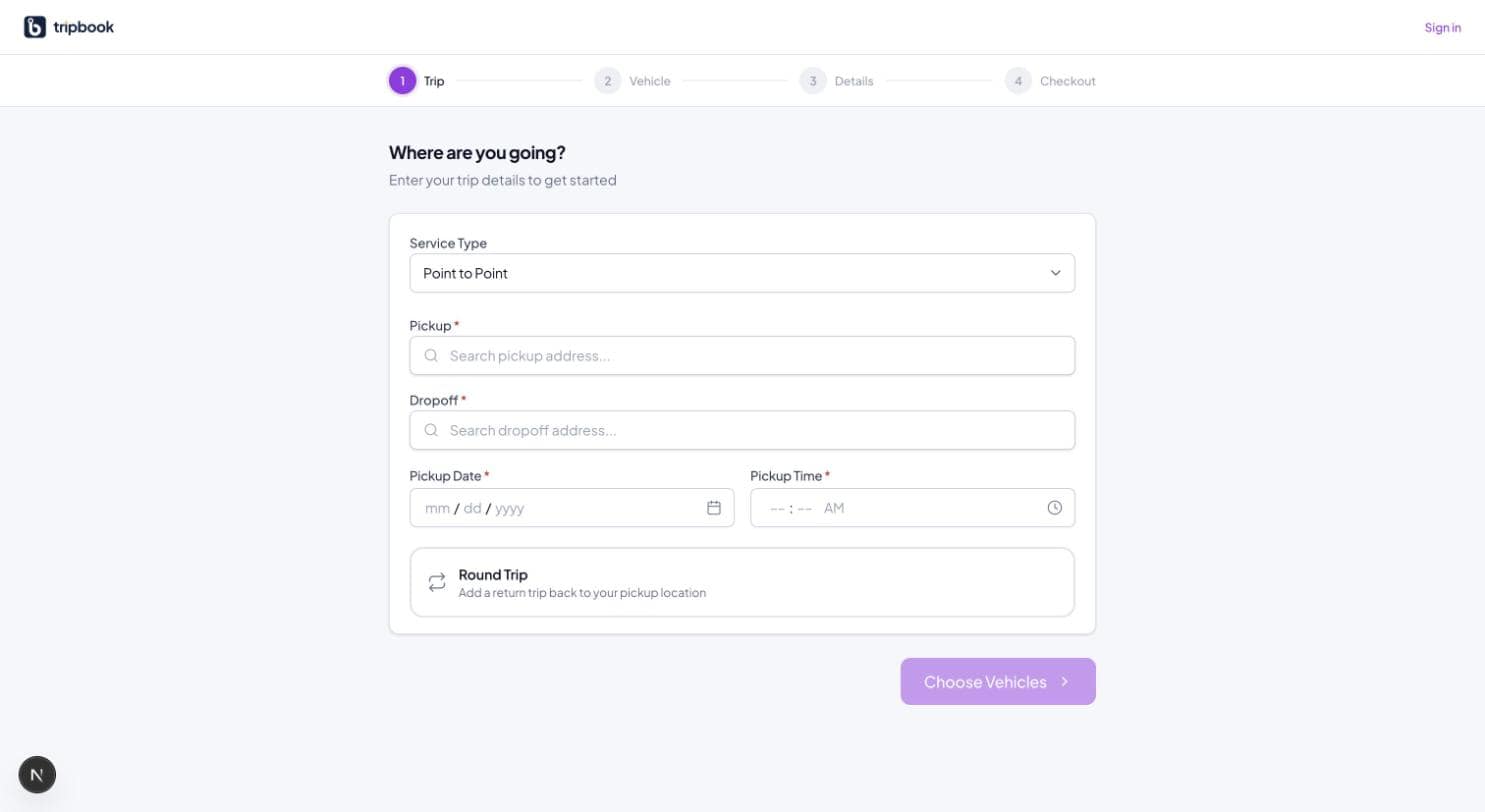
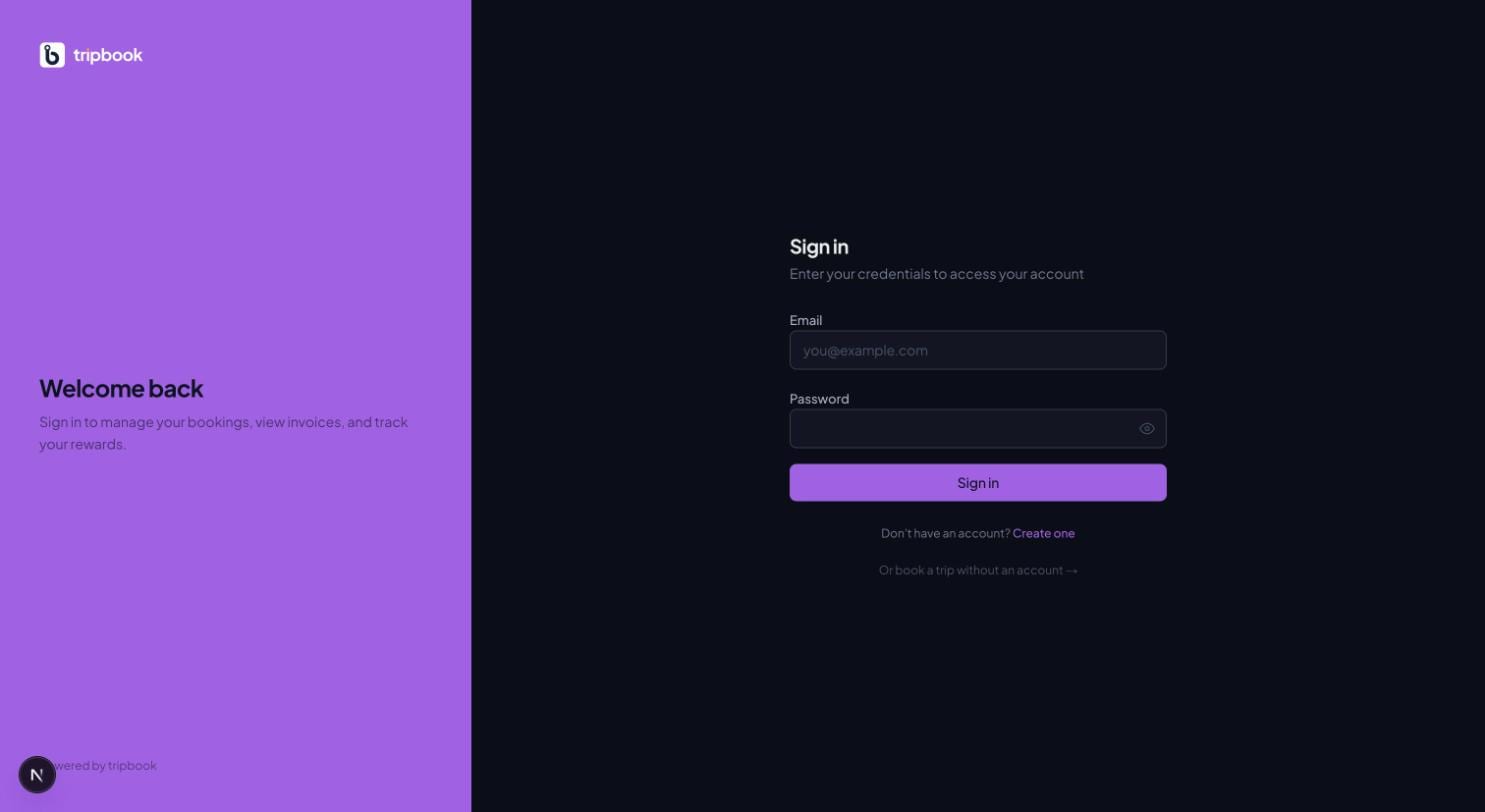
Every liverybook operator gets a customer portal at their own subdomain with their display name, logo and three brand colours, a four-step public booking wizard (trip, vehicle, details, checkout), and a logged-in area for bookings, invoices, payment methods and loyalty points across 26 portal endpoints. A guest can book without an account; a round trip with two sedans and three SUVs produces ten legs that share the route and time. The booking auto-confirms, the confirmation email goes out from your sending domain, and the legs appear on the run board as confirmed.
26
portal endpoints
4
wizard steps
3
brand colours per tenant
9
branded email templates
What customer portal covers today.
Tenant branding
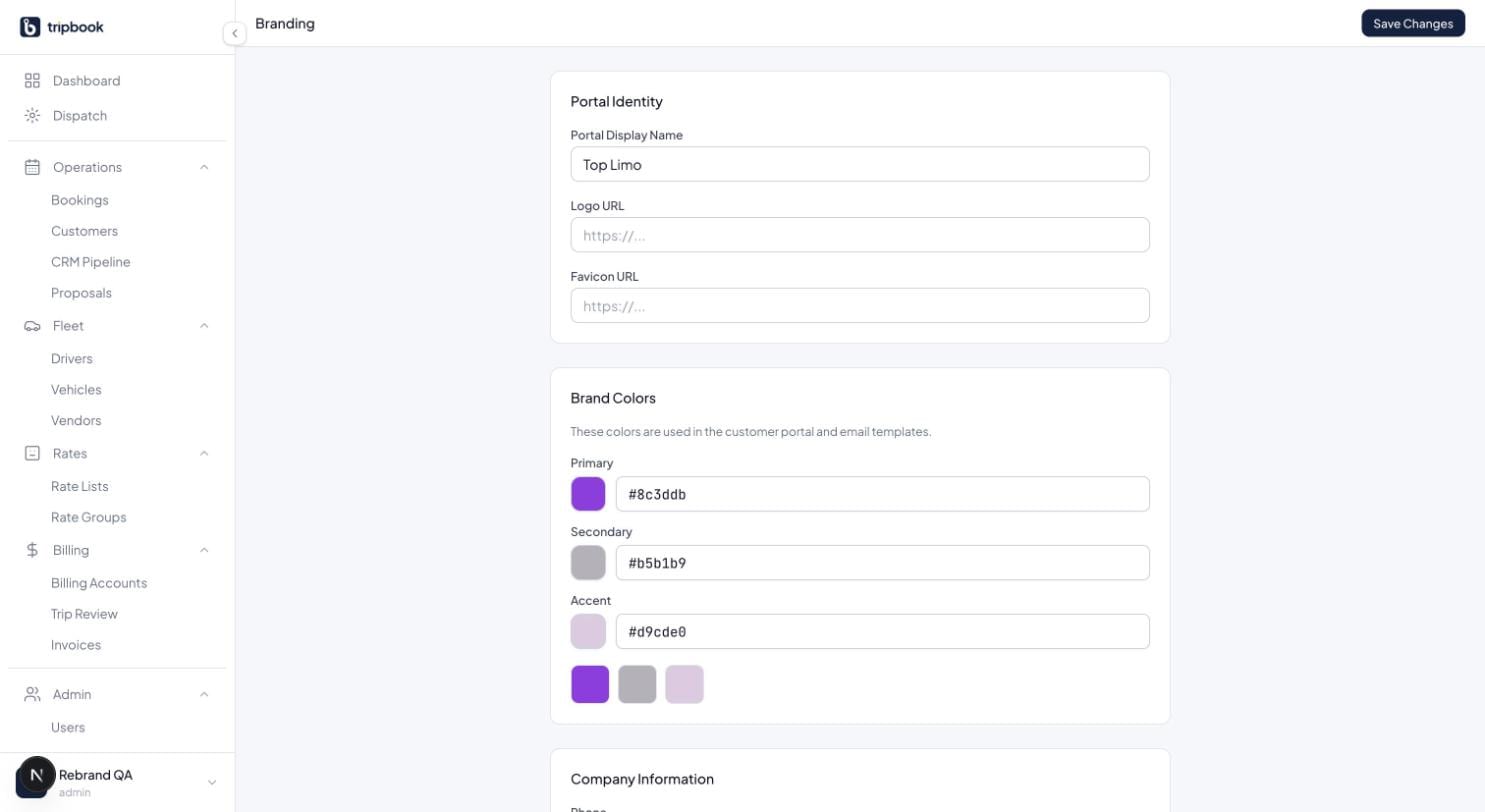
Display name, logo, favicon, primary, secondary and accent colours, set in Settings. The same values brand the nine email templates.
Public booking wizard
Service type, addresses with autocomplete, date and time, round trip toggle; then vehicle classes with seasonal rates and quantities; then passenger details and flight number; then checkout.
Guest checkout
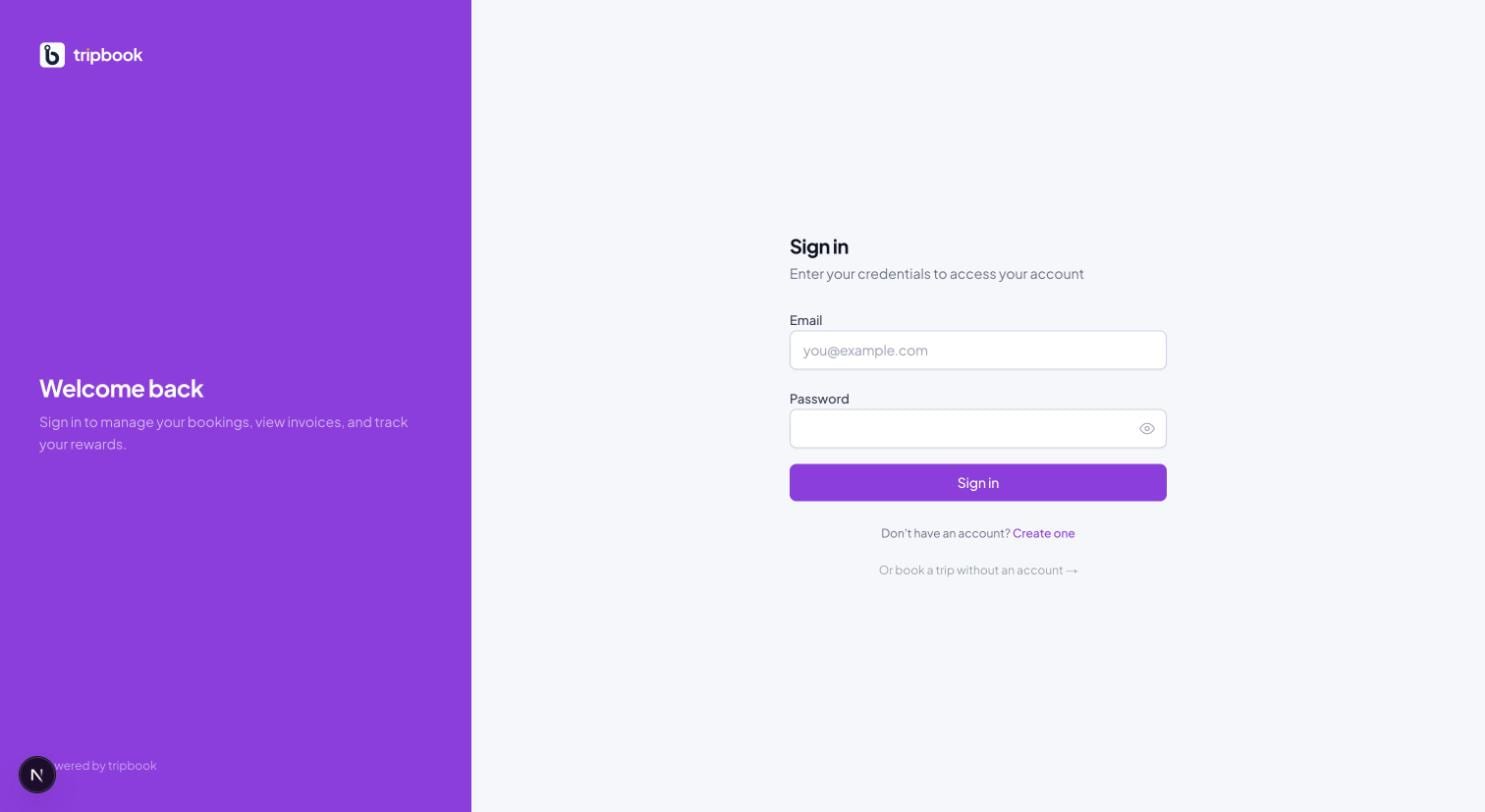
No account needed. If the guest registers later with the same email, the account is upgraded and every earlier guest booking appears in their history.
Seasonal rates, resolved for you
Public rates come from the tenant's default rate group, so the portal quotes the month's rate list without the operator touching it.
Loyalty points
A points program per operator with earning rules by spend, service type, vehicle class, signup and referral; FIFO expiry; redemption limits; a ledger the customer can see.
Card at checkout
When card collection is configured, checkout takes the card, records the transaction and reduces the balance due. Without it, the booking is created with the balance owed.
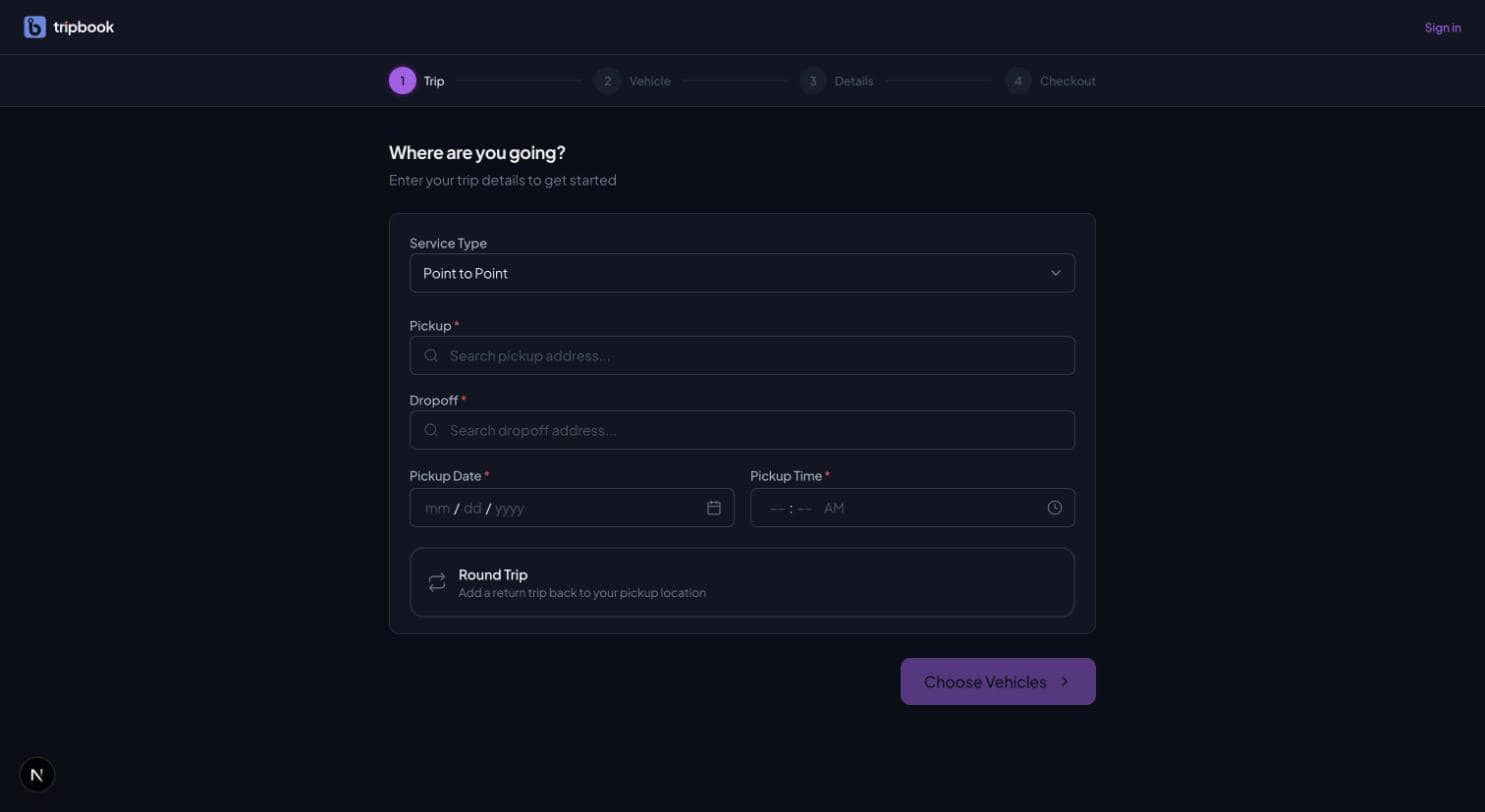
RoadmapCustom domains (portal.yourcompany.com) are modelled and on the roadmap for DNS; today the portal lives at your liverybook subdomain. Dark mode for the portal follows the operator app.
Asked on most demos.
Can clients book without creating an account?
Yes. Guest checkout creates a guest customer record; registering later with the same email claims those bookings.
Do portal bookings need approval?
No. They auto-confirm, send the confirmation email and appear on the run board as confirmed. Payment can be taken at checkout or handled offline.
Can I use my own domain?
Your subdomain at liverybook.com is live today. A custom domain CNAME is modelled and on the roadmap.