

Dispatch
The run board shows the whole day, and nothing on it is stale.
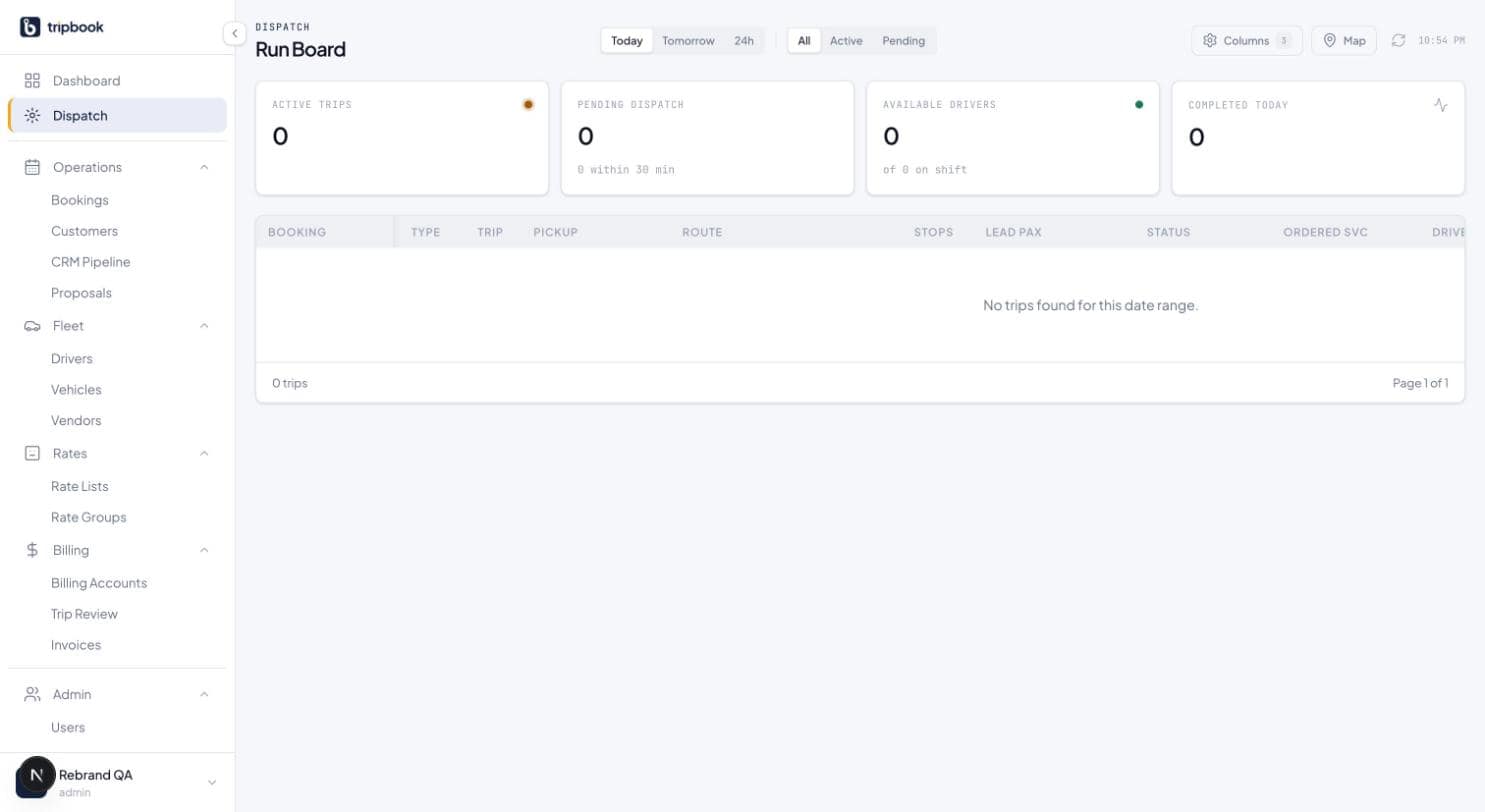
The dispatch run board lists every leg for Today, Tomorrow or the next 24 hours in 16 columns, refreshes over a WebSocket when a status or booking changes, and lets a dispatcher assign a driver, a vehicle or a subcontractor without opening the trip. Four stat cards sit above it: active trips, pending dispatch with the count due in the next 30 minutes, available drivers, and completed today. Below it, an upcoming rail holds the unassigned legs in the next 24 hours so nothing is found at 6 a.m. by accident.
16
columns
4
stat cards
5
live event types
30 s
auto-refresh fallback
What dispatch covers today.
Sixteen columns, chosen per dispatcher
Booking, type, trip time, pickup, route, stops, lead passenger, status, ordered service, driver, assigned vehicle, subcontractor, sub driver, sub vehicle, pax and total. Hide what you do not use; the first column stays pinned as you scroll.
Assign in the row
Status, driver, vehicle and subcontractor are inline selects with search. Two dispatchers cannot assign the same leg at once: an optimistic lock on each trip rejects the second write and asks for a refresh.
Live, not polled
The board subscribes to your tenant's dispatch channel. Status changes, new bookings, cancellations and flight delays arrive as events; the clock in the toolbar shows the last refresh.
Farm-out is a column, not a workaround
Farm a leg out and the driver and vehicle cells read farmed. The subcontractor select lists approved affiliates only, and their driver and vehicle show in the next two columns.
The compliance gate
An affiliate's status is computed from approval and insurance expiry: compliant, expiring soon, pending, expired or blocked. Dispatch to a blocked or expired affiliate is refused. Expiry alerts go out at 60, 30 and 7 days.
Dark mode for the night desk
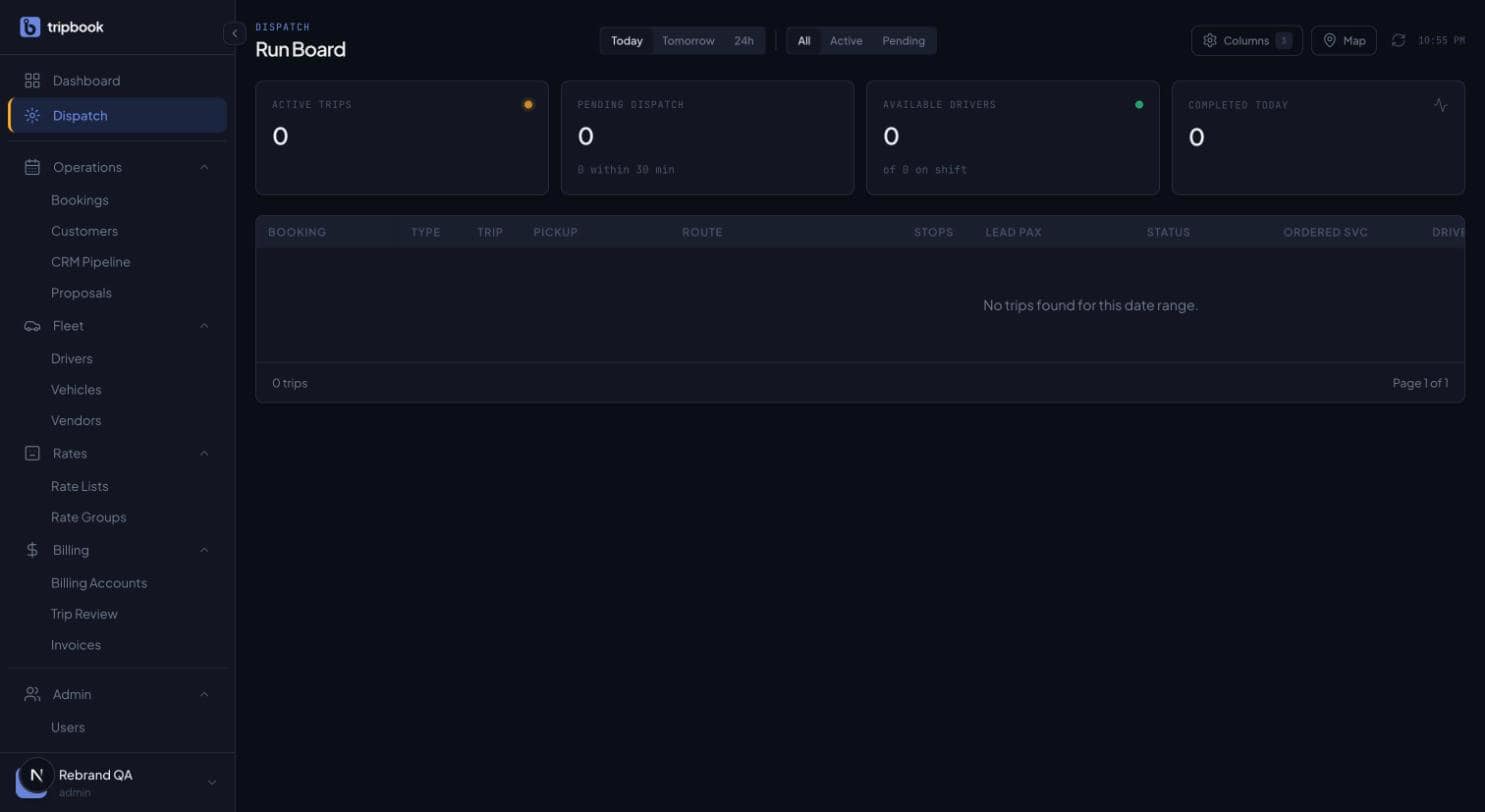
The whole board is built twice, once for Paper and once for Night. The 11 p.m. shift gets Periwinkle on Night, not a white screen.
RoadmapYour own drivers' statuses are set by the dispatcher until the driver mobile app ships. Affiliate drivers already update status from en route to completed through a tokenised link. SMS to passengers and live vehicle tracking are on the roadmap.
Asked on most demos.
Can two dispatchers work the board at once?
Yes. Each leg carries a version number; the second person to assign the same leg gets a conflict and a refresh, not a silent overwrite.
Does the board handle farm-outs?
Yes. A farmed-out leg shows the subcontractor, their driver and their vehicle in their own columns, and the affiliate must be approved and insured to be selectable.
Does liverybook track vehicles on a map?
Not yet. Live GPS depends on the driver app, which is on the roadmap. The board shows a map panel with vehicle status, not live positions.