

Glossary · Dispatch
Run board
Updated
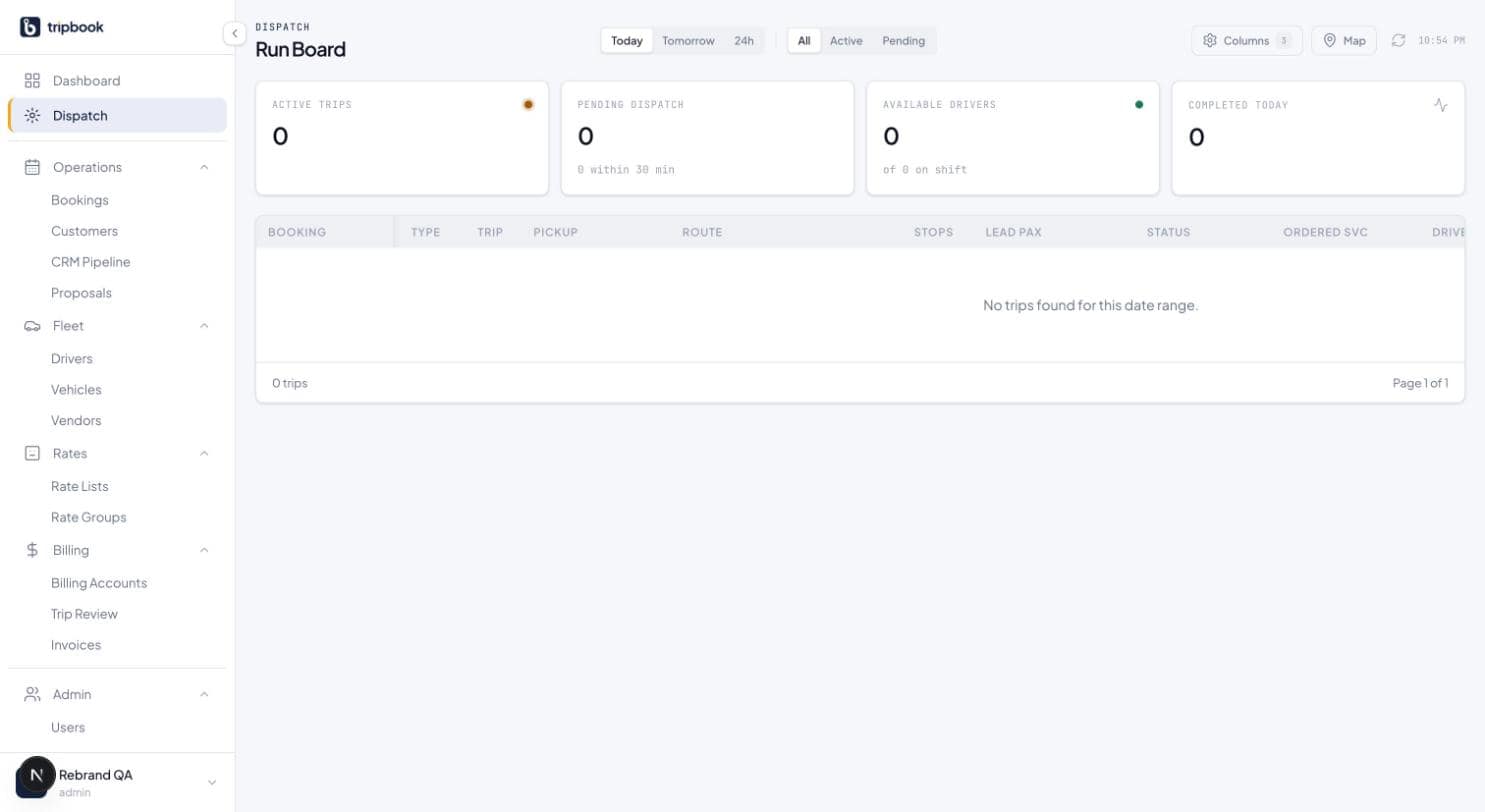
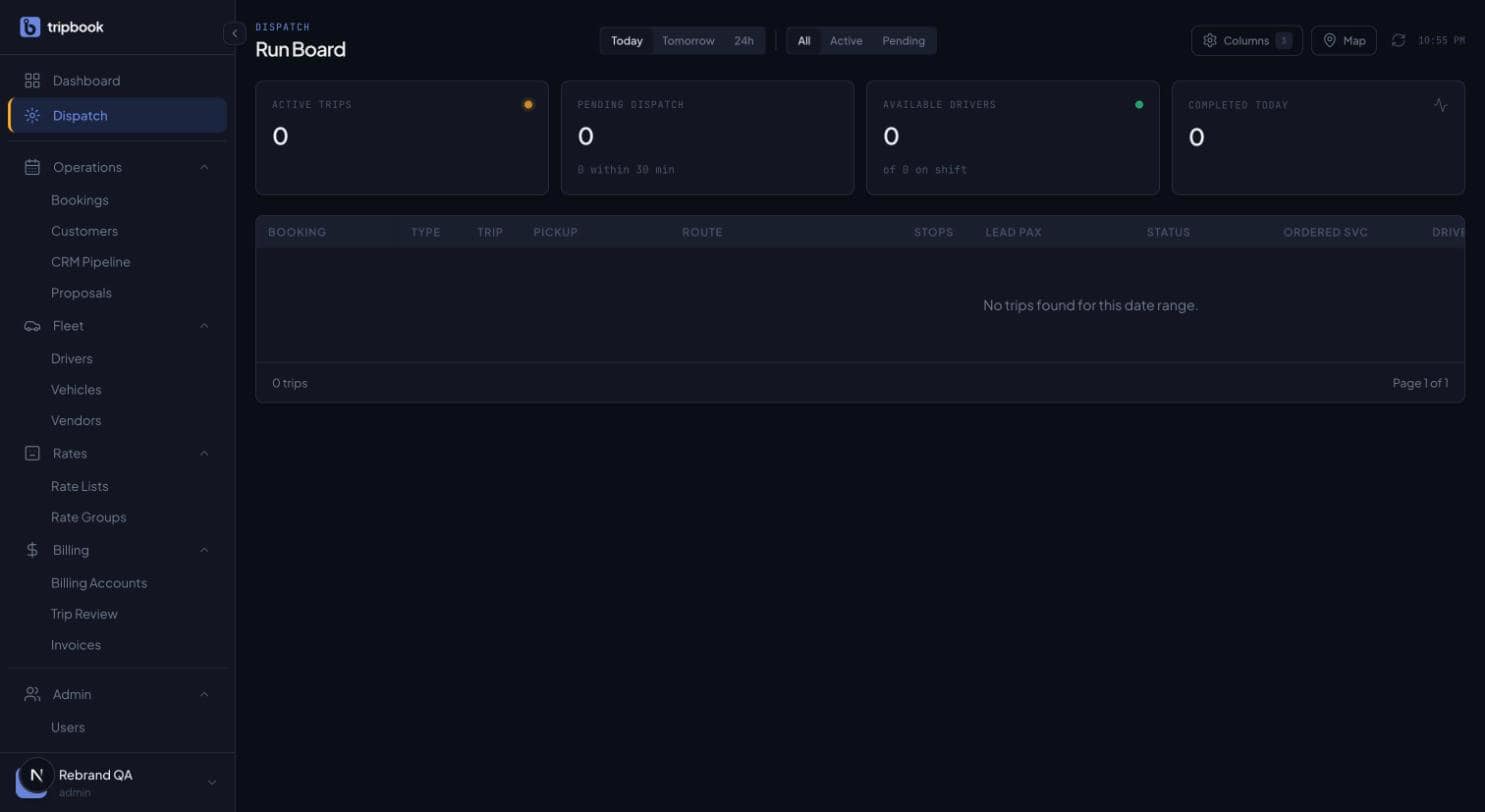
The run board is where the day is actually run: one row per trip, one glance to see which of the next 24 hours' runs still has no driver. Before software, it was a whiteboard or a printed sheet with pencil marks. The purpose has not changed, only the refresh rate.
A good board answers three questions without clicking. What is unassigned. What is late or stuck. Who is free. Every other column exists to support those three. Dispatchers read the board between phone calls, so the information has to survive a two-second look.
The board is also the record of truth when two people are working the same shift. The common failure is two dispatchers assigning the same car to two trips, each from their own screen, and finding out when the chauffeur calls from the wrong address.
How liverybook handles it
The liverybook run board is a 16-column trip table with four stat cards above it: active trips, pending dispatch, available drivers, completed today. Filters switch between Today, Tomorrow and the next 24 hours, an upcoming rail lists unassigned trips, and driver, vehicle, status and subcontractor are set inline from the row. Rows update over a WebSocket (trip.status_changed, booking.created, booking.cancelled, flight.delay) with a 30-second auto-refresh behind it, and optimistic locking means two dispatchers cannot assign the same trip at once. A column visibility toggle lets each dispatcher hide what they do not need. See the dispatch product page.
Related terms
This term lives in Dispatch. liverybook is the operating system for ground transportation.