

Glossary · Customer portal
White-label portal
Updated
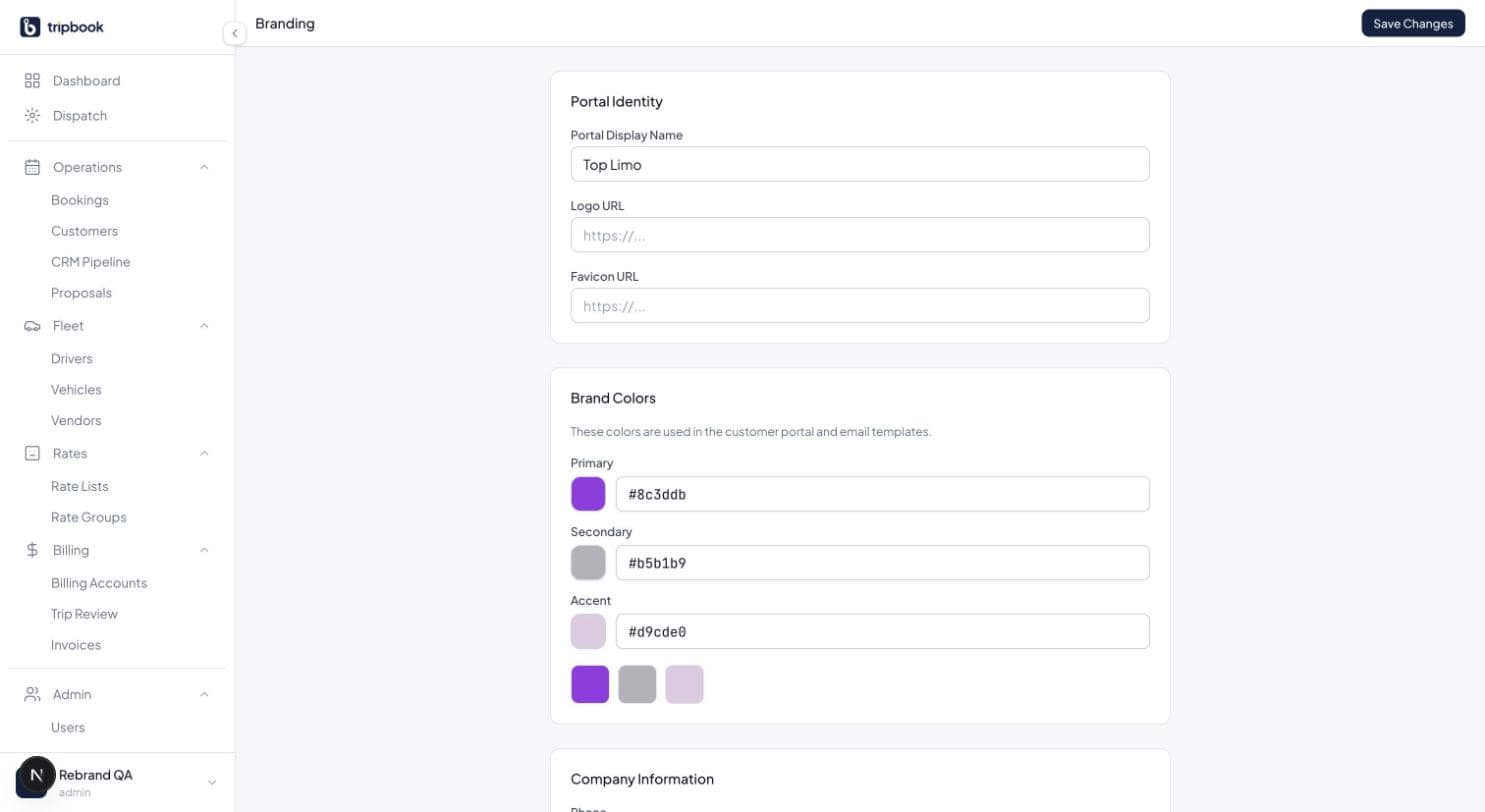
A white-label portal is the operator's booking site, not the vendor's. The customer sees the company's logo, colours and name on every screen, from the login page to the confirmation email, and the software provider is invisible. The point is that the client relationship belongs to the operator.
Online booking has become the baseline for corporate accounts and for retail airport work. Travel managers want their people to book without calling, and retail customers book at 11 PM. A portal that looks like the vendor's product, or like every other operator's, undercuts the premium the brand is supposed to command. One that matches the operator's website and business cards reinforces it.
The common mistake is leaving the portal at defaults. A portal with the wrong logo, a generic blue and a subdomain the customer has never heard of gets ignored, and the phone keeps ringing. Branding is a one-time job that should be done before the link is sent to a single account.
How liverybook handles it
Each tenant's portal runs at its own slug, {slug}.liverybook.com, with branding settings for display name, logo and primary, secondary and accent colours. The portal offers login, registration, and a public 4-step booking wizard (trip, vehicle, details, checkout) with guest checkout, a round trip toggle, multiple vehicles with quantities and seasonal rates from the tenant's default rate group. Bookings auto-confirm and the confirmation email goes out through the tenant's own sending credentials. See the customer portal and the setup guide.
Related terms
This term lives in Customer portal. liverybook is the operating system for ground transportation.