

Glossary · Customer portal
Guest checkout
Updated
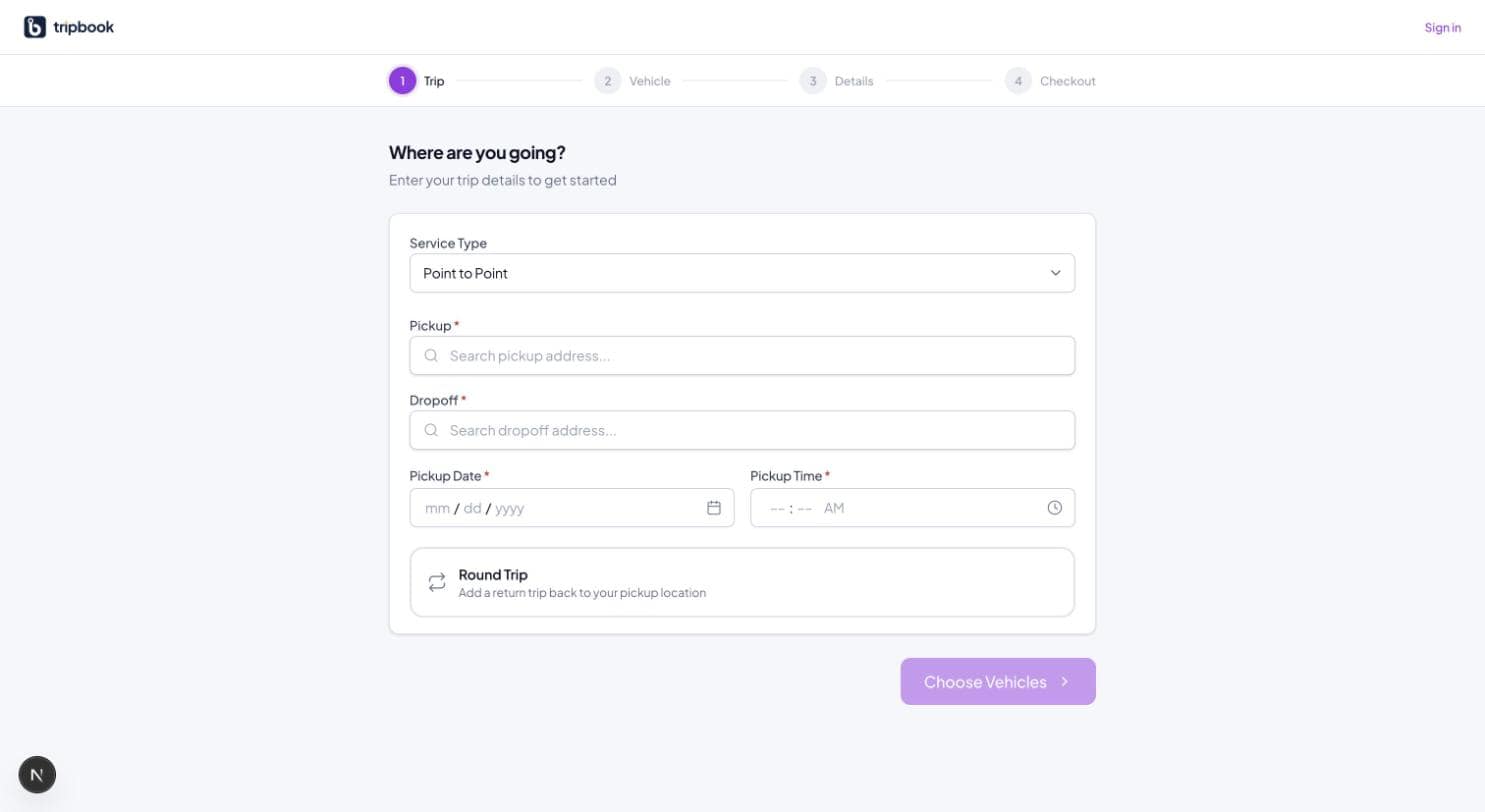
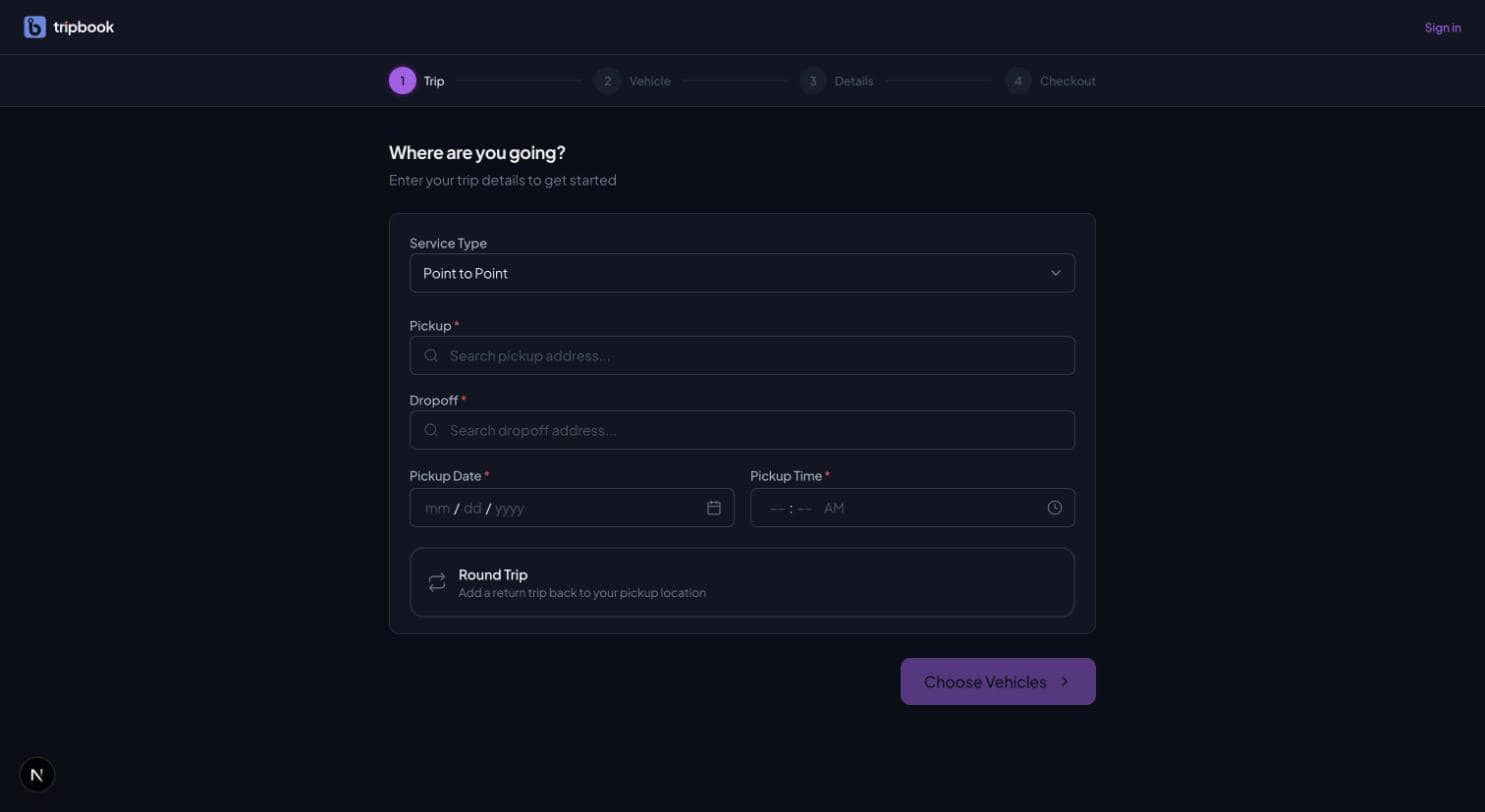
Guest checkout lets someone book a ride with an email address and a card, and no password. The four steps are the same as for a registered customer: where and when, which vehicle, who is travelling, how to pay. The difference is that nothing is asked of the customer beyond what is needed to run and charge the trip.
For retail work this is the difference between a booking and an abandoned form. A traveller booking an airport run at midnight will not create an account to do it, and a wedding guest booking a one-off transfer has no reason to. Every field added before the checkout button loses a percentage of bookers, and account creation is the biggest field of all.
The common mistake is the opposite one: making every guest booking an orphan. The customer books three times as a guest, then registers, and sees an empty history. The operator has three records for one person and cannot tell that this is a repeat customer who should be earning points.
How liverybook handles it
The portal's public 4-step booking wizard supports guest checkout with Stripe card collection at the checkout step, a round trip toggle, and seasonal rates from the tenant's default rate group. Guest bookings are stored against the email address used, and when that guest later registers with the same email, the earlier bookings are upgraded to the new account and become visible in it. A confirmation email is sent on booking. See the customer portal.
Related terms
This term lives in Customer portal. liverybook is the operating system for ground transportation.